
01
Purchase
Create an order for one supplier and keep expected stock separate from available stock.
Loading page
Preparing KitaStock
 KitaStock
Kita ang stock. Kita ang kita.
Sales, inventory, and practical guidance in one clear workspace.
One connected workflow
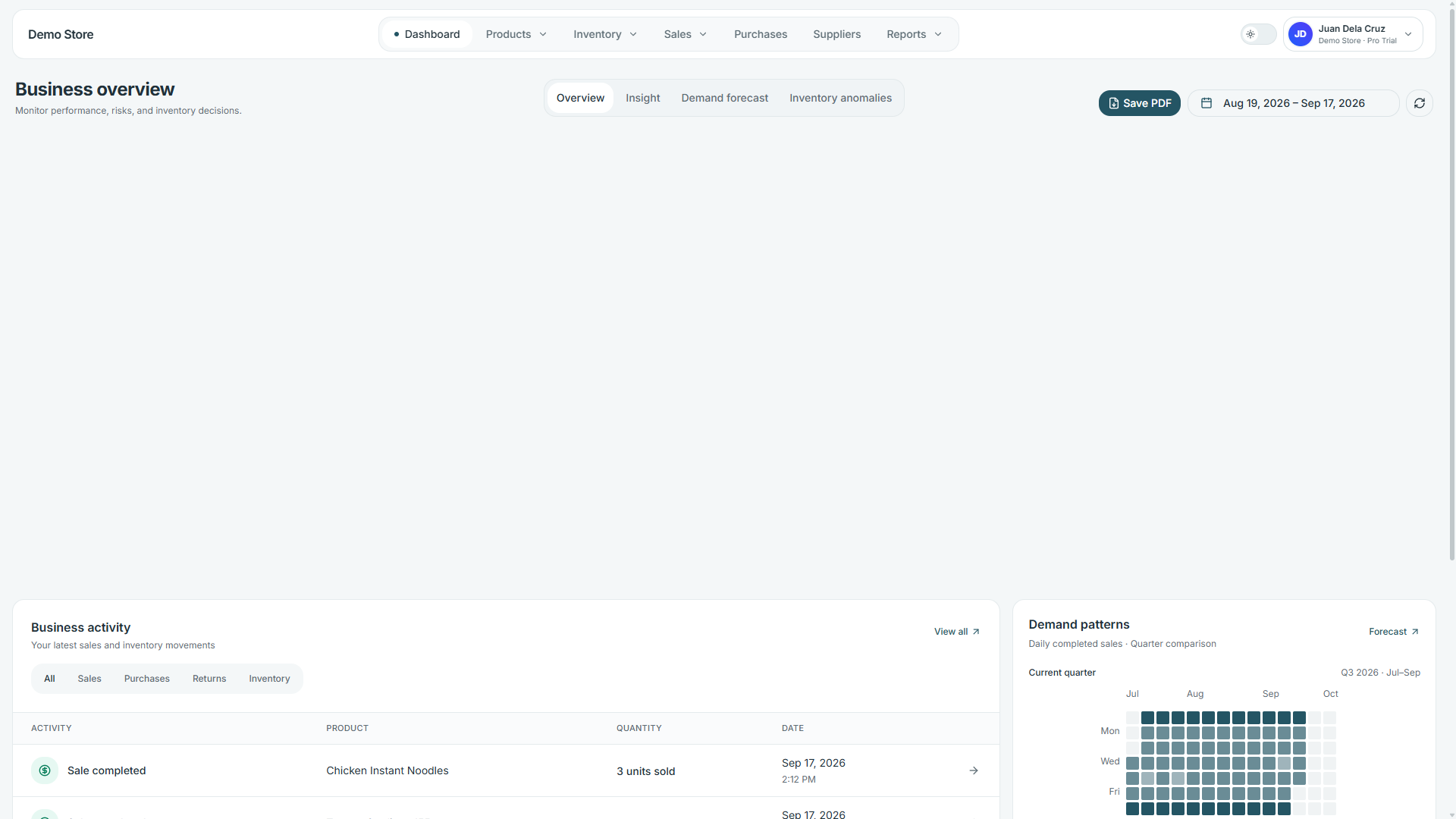
KitaStock connects purchasing, receiving, sales, returns, and reports so owners do not have to reconcile separate records.
Start with your first productCreate an order for one supplier and keep expected stock separate from available stock.
Record only what arrived. Partial deliveries remain visible until the order is complete.
Completed sales reduce stock, while valid returns restore only the quantity received back.
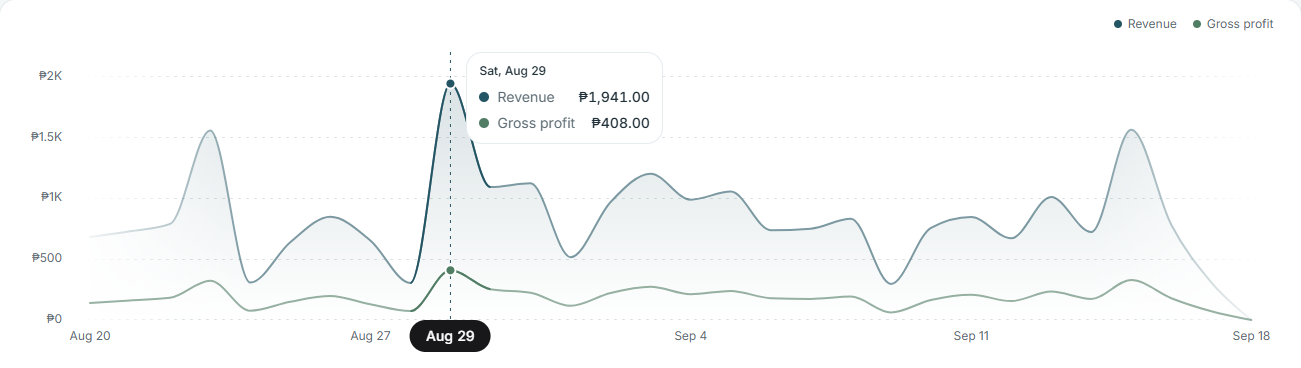
Sales, profit, purchasing, and inventory reports use the same transaction history.
Stock balances update from recorded transactions
Movements preserve who changed what and when
Reports trace back to the same inventory history
Online store
Publish selected products, share a link or QR code, and receive customer order requests without managing another catalog.
Demo Store
Powered by KitaStock
Online store
Browse available items and send an order request—no customer account required.
Organic Coffee Beans
Wireless Earbuds
USB-C Cable
New order received
ORD-000128 · waiting for confirmation
Share anywhere
Link or QR code
Only products you choose appear in the public catalog.
Confirmation reserves stock before the order is prepared.
Completion records the sale and deducts the fulfilled quantity.
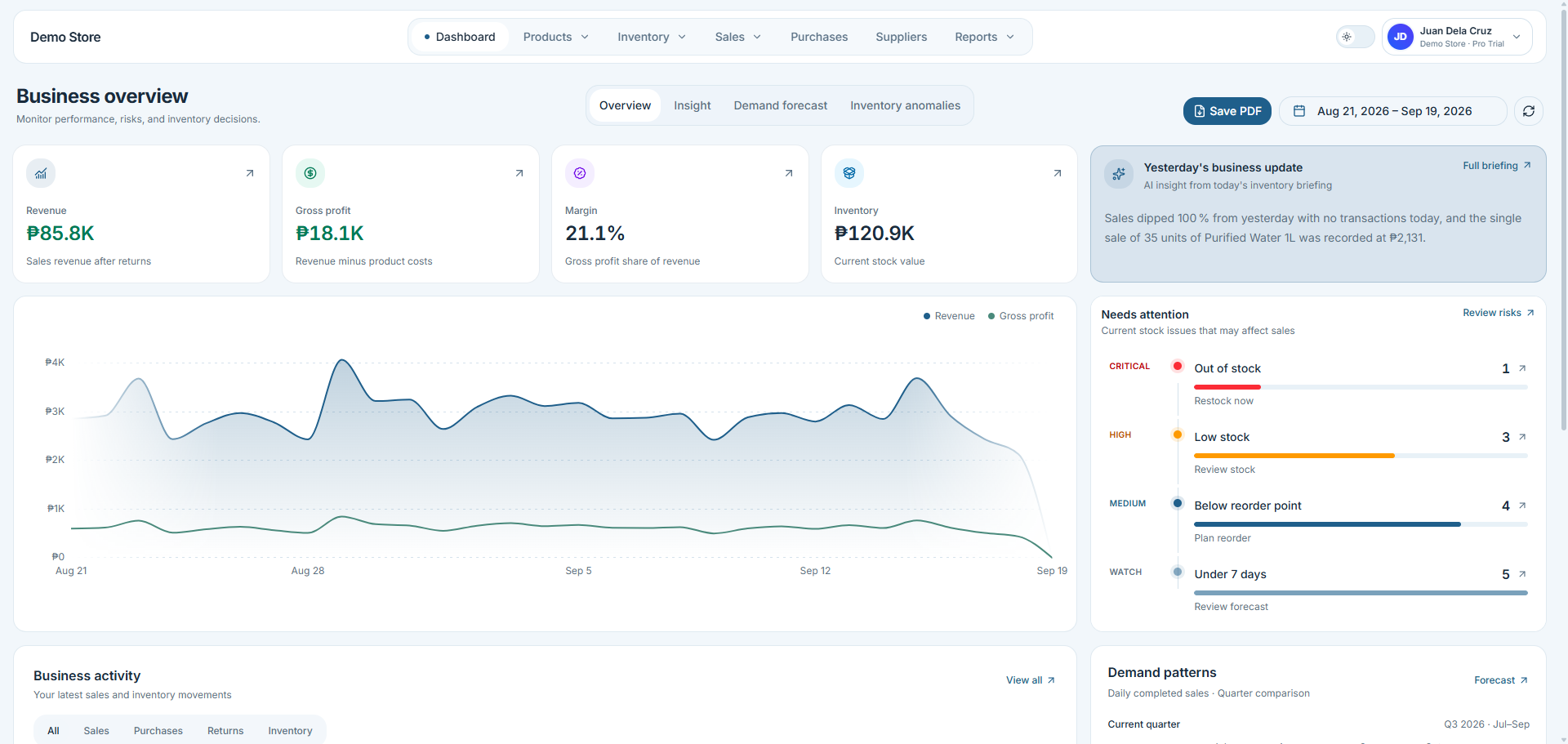
Know what needs attention
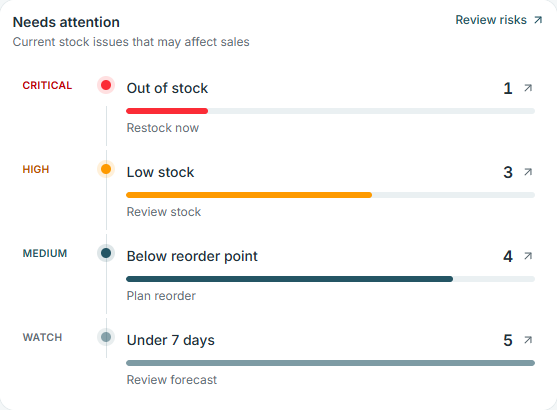
The overview orders four stock signals by urgency, giving the owner a short list to review before moving into detailed reports.
Out-of-stock and low-stock products are separated so the owner knows what needs action now.
The overview shows how many products are below their configured reorder points.
Products with less than seven days of stock link the current inventory snapshot to demand forecasting.
Practical inventory intelligence
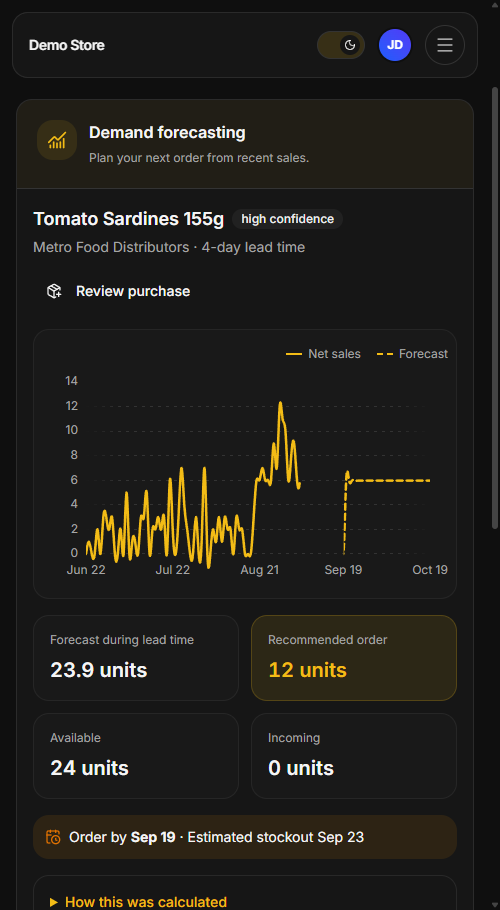
KitaStock does not ask AI to invent inventory answers. It calculates from your records, then uses AI to communicate what changed, why it matters, and what to review next.
Try the intelligence workspaceSales, stock, purchase, and count records produce the facts.
AI turns compact results into guidance an owner can act on.
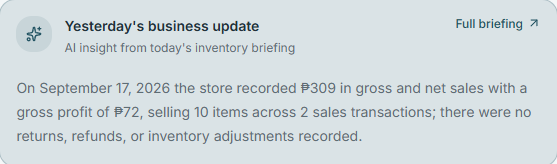
Daily briefing
A daily explanation of sales, stock, and exceptions.
Generated Sep 18, 8:02 AM
The store recorded 2 sales totaling ₱782 with ₱179 in gross profit. Sales were down 49.9% from the previous period, and Wireless Earbuds may run out soon.
Sales
₱782
Gross profit
₱179
Urgent action
1 product
Offline operations
After reference data is saved on the device, selected day-to-day operations can continue during an outage. KitaStock queues each change and synchronizes it when the connection returns.
Changes are validated during synchronization. Conflicts remain visible for review.
Simple plans
Every plan includes KitaStock's core operations and inventory intelligence. Higher plans expand capacity and add tools for teams and unreliable connections.
Plans apply separately to each business.
Free
₱0
No card required
For one owner organizing a small product catalog.
Pro
₱299
/moBilled per business
For growing shops that need a team and offline work.
Business
₱899
/moBilled per business
For larger teams that need more capacity and control.
The weekly allowance changes with the plan; the capabilities do not.
Yearly billing is available. Paid upgrades are reviewed and activated after payment confirmation.
Questions, answered
Clear limits, predictable billing, and no mystery about where the recommendations come from.
Start your free accountNo. KitaStock calculates sales, stock levels, forecasts, and reorder quantities from recorded business data. AI receives compact results and explains them in plain language.
Yes. Daily briefings, demand forecasts, reorder guidance, anomaly explanations, and report summaries are available on every plan. Free includes 5 AI actions each week.
Offline changes and automatic sync are included in Pro and Business. After reference data is saved on the device, you can queue sales, purchase drafts, stock adjustments, and physical counts until the connection returns.
The business returns to Free limits unless Pro is activated. Your records remain safe, but paid capabilities stop and team members beyond the Free limit lose workspace access.
Yes. Each business keeps its own products, members, settings, usage, and subscription. One account can belong to multiple businesses with different plans.
For now, upgrades use a reviewed request. You choose a plan, receive payment instructions, submit the payment reference, and the plan becomes active after confirmation.
Kita ang stock. Kita ang kita.
Bring sales, purchasing, inventory, online orders, reports, and practical guidance into one workspace built for everyday owners.